Muffled sounding

Hi there!
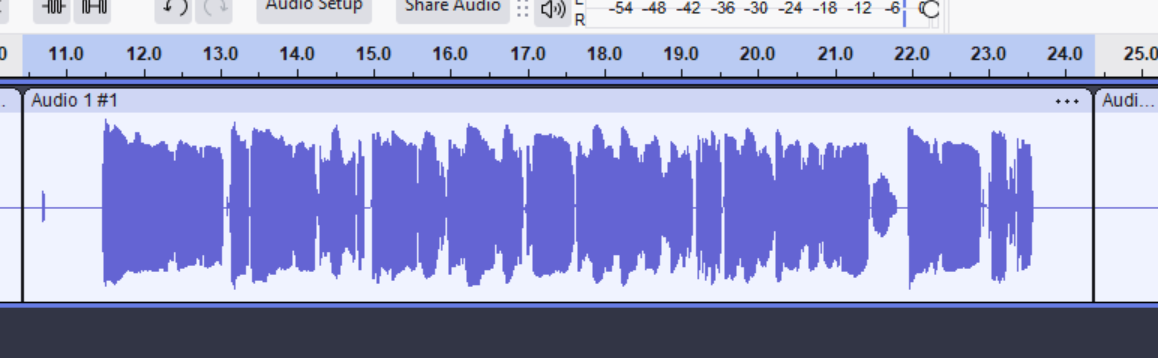
I recently got a new laptop, installed latest Audacity and realised my recordings (even raw) are sounding so muffled and even the interface doesn't look right. Nothing to do with mic or setup as I plug it back into my old laptop and it sounds exactly how I'd want it to sound.
Have I done something weird upon installing audacity? is there any automatic plugins/effects I'm not aware that it's put on it? It seems to not really register a noise floor either
I can't seem to attach a wav file to this either so help on that appreciated too....
Help please!! Thank you :)
Please sign in to leave a comment.
Hi Rosie, thanks for reaching out!
It’s hard to know what might be happening without hearing the audio, but based on what you’ve written, it’s possible that the interface is not properly assigned in Audacity, which could mean the program is using the computer’s built-in microphone. I suggest watching the following video for guidance. https://www.youtube.com/watch?v=tFemmvHUTCM
Another suggestion is to update all your drivers, as the latest version of Audacity might require the most recent software for your interface. Please check if all your drivers are up to date.
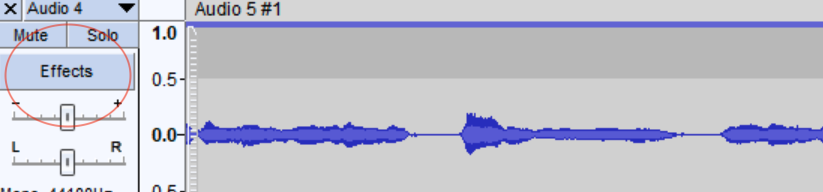
Audacity shouldn't apply any effects automatically unless you request them, but if you have doubts, you can go to the channel's Effects tab and check that there are no plugins applied.
If you want to share the WAV file, you can use a google drive link or something similar so we can listen to it.
I hope this information is helpful to you.
Best regards,
Steven.
Hi Steven,
How does this test sound to you? I'm starting to think it's actually my sound output device as when I listen to my previous samples they all sound a bit weird too...let me know! Thank you
https://drive.google.com/file/d/1dwX7M3mlMHMV63vPXL7ABazFh8aGazYx/view?usp=sharing