Sample rejected, but I can't find anything wrong with it

Hi VoiceBunny Community,
One of my samples has been up for several weeks and has been favorited by clients. As always, I normalized it to -3db before uploading, and never saw any problem with it. Suddenly I get an email from the VB team saying that they have to remove the sample from the search engine because it is not normed to -3db. But upon further review in Logic, the sample indeed peaks at -3db. So what's wrong?
Here's a link to the sample:
https://voicebunny.com/samples/130982
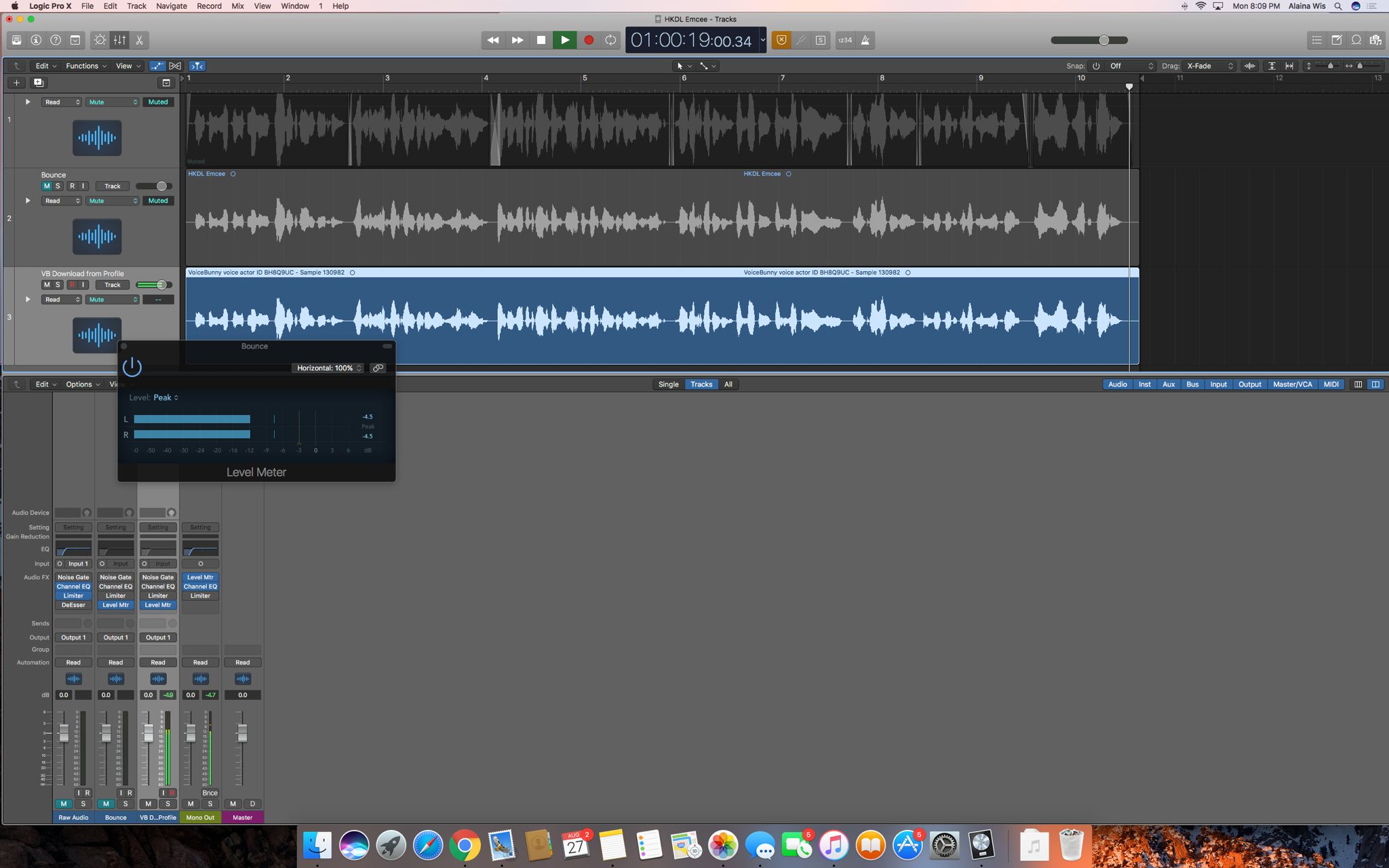
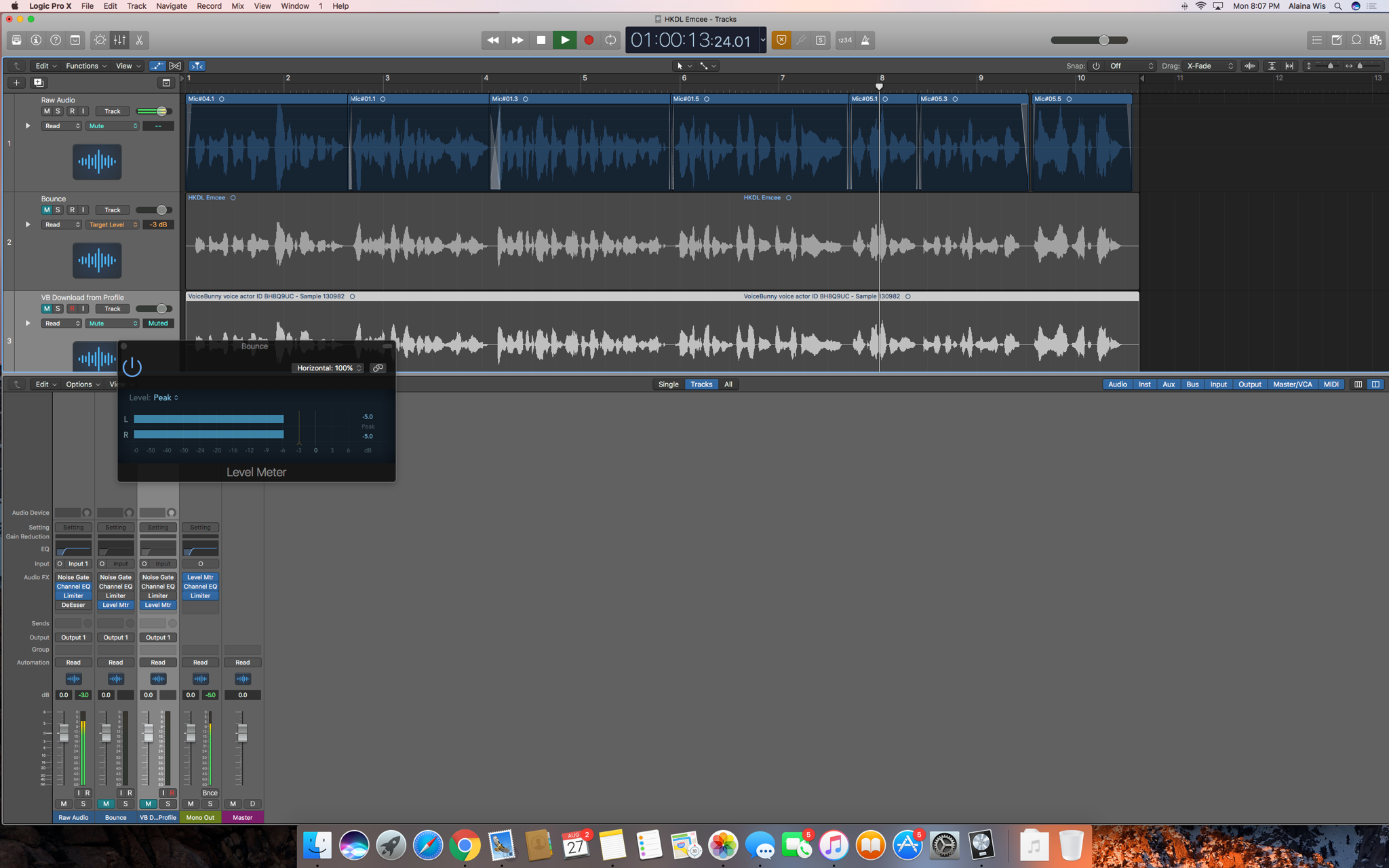
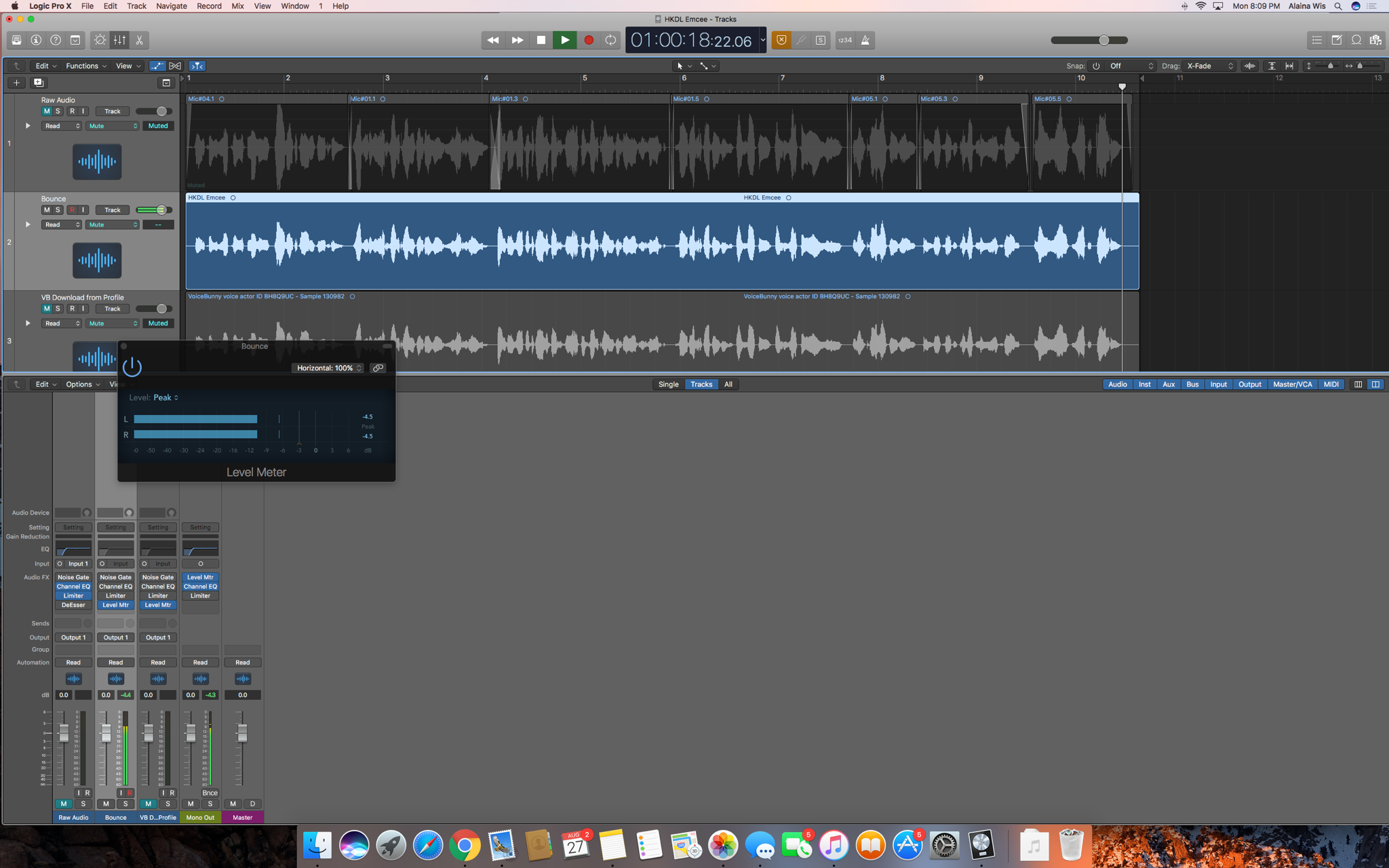
Here's the screenshots showing the level meter for the raw audio, the bounce, and the file downloaded from my profile on VB (sorry they're so small - the yellow line on the level meter is -3 and you can see that the peak is -4.5 in all three tracks):
Feedback would be duly appreciated. Thank you!
Alaina
Please sign in to leave a comment.
Hi Alaina,
Listening to your sample, the reason it was rejected was probably distortion/clipping. I can hear it clipping when you say "Donald" and a bit when you say "On behalf". This can be caused when recording if the gain on the mic is higher than it should be or if you're recording too close to the mic and it's distorting. This can happen even if the waveform looks ok in your recording software.
I'd suggest recording with a little bit less gain and an inch or two farther from the mic to prevent this issue.
It is a good sample so you could re-record it with the same tone, just making sure it doesn't sound distorted!
-Seb
Thanks, Sebastian! That's really helpful feedback.
- Alaina
Hi Alaina!
I agree with Seb in regards to the distortion. It's really quite tricky because some DAWs may show the recording is perfect but in reality, the gain is a bit too high from the source. What I do to fix this is to always turn the gain down all the way and start putting it up when I start a new recording. This is because a recording will never be identical to another one! You can speak a bit stronger, or stand nearer to the capsule which all changes how the audio will behave. I usually only turn the volume up to the level that I actually need and that will 100% not distort even if I speak super loud.
I'm super graphic, so I pay attention to the meter on my DAW and stop adding gain when my highest volume for that specific script is a bit above the middle (if yours have color, I'd usually stop right when it starts hitting the yellow area but the majority of the audio coming in is within the green area). This is usually the healthiest level to reduce any chances of distortion. You can then normalize to -3 dB Peak to take the volume up without those clips!
Hope this helps!
Thank you Angela! I will fix the sample and post it for review when finished.
That's perfect, Alaina! Please do :)